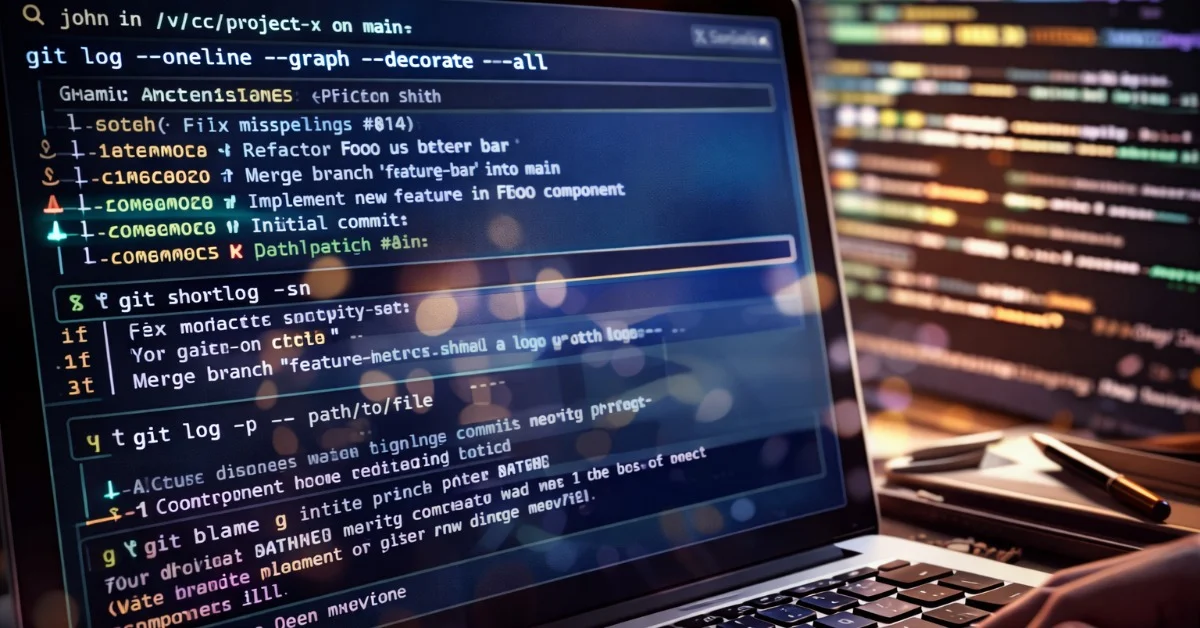
A developer does not have to start an unfamiliar codebase by opening the largest file and hoping the structure becomes obvious. A widely discussed post by Wojciech Piechowski argued for a different first move: ask Git what happened before deciding what to read. The idea is not exotic, but it is useful. Git history can reveal authorship, hotspots, renames, churn and design intent that are invisible in a single snapshot of the source tree.
Why history beats guesswork
The workflow is strongest when a repository has disciplined commits. Commands such as git log --oneline --graph --decorate --all give a quick view of branch shape and merge patterns. git shortlog -sn shows which contributors have touched the project most often. git log --follow -- path helps track a file across renames, while git blame can point from a confusing line to the commit that last changed it.
None of these commands are tricks. They are standard Git tools documented by the Git project itself. Their value is in the sequence: build a map of the repository, identify the files that changed often, then read code with context instead of treating every file as equally important.
What this gives a team
For onboarding, this approach can reduce wasted time. A new engineer can discover which modules are active, which files were recently rewritten and which contributors likely understand a subsystem. That does not replace documentation, but it often fills the gaps left by documentation that has drifted out of date.
The Hacker News discussion around the post shows why the topic struck a nerve. Some developers strongly prefer starting from tests, architecture diagrams or runtime tracing. Others pointed out that many real repositories have poor commit messages, squashed histories or automated commits that reduce signal. Those objections are fair. Git history is not a source of truth by itself; it is one more lens.
A practical middle ground
The best use is pragmatic. Start with the history, but verify what it suggests. If git shortlog points to a maintainer, ask them rather than assuming ownership. If git blame identifies a commit, read the pull request or issue if it exists. If a file changed heavily during an incident, check whether the surrounding design has since moved on.
There is also a management lesson here. Teams that want Git history to help future readers need to write commits as if someone will depend on them later. Small commits, clear messages and links to issues can turn a repository into a usable archive rather than a pile of timestamps.
In healthy repositories, Git is more than a backup mechanism. It is a record of decisions. Reading that record before diving into implementation can make a codebase feel less like a maze and more like a sequence of tradeoffs made by real people under real constraints.