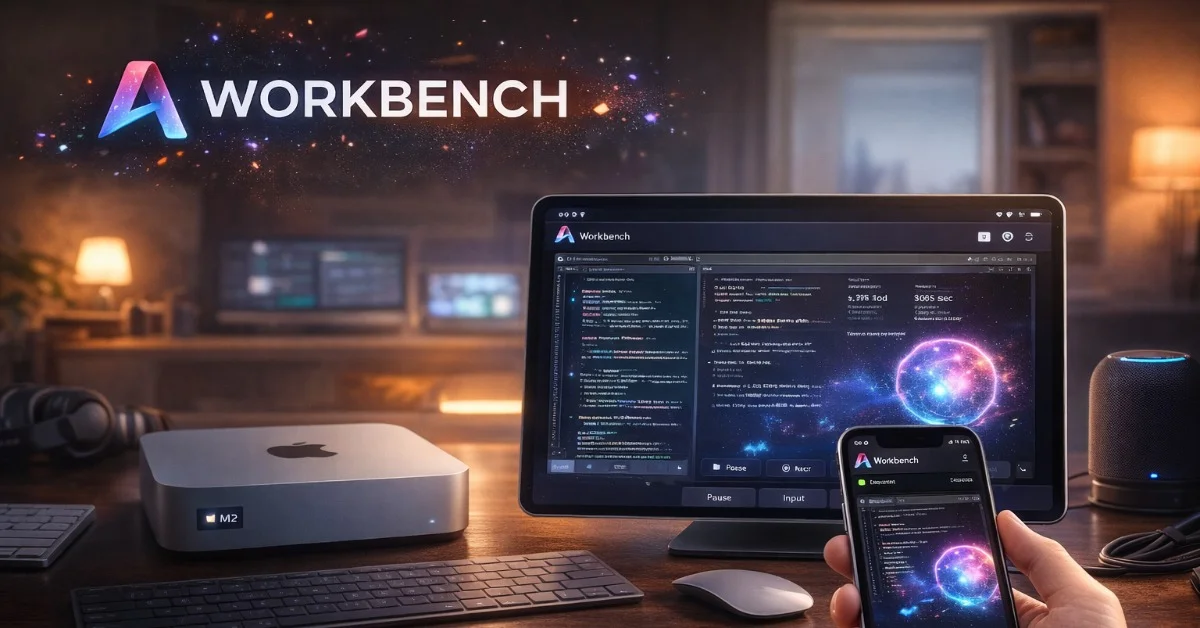
Astropad has launched Workbench, a remote desktop app for Mac, iPad and iPhone that is being pitched around a very specific new habit: leaving AI agents running on a Mac and checking in from another device when human intervention is needed. The product is not presented as a broad help-desk tool. Astropad’s own product page describes it as remote desktop software “for the AI era,” with features aimed at people who want to monitor jobs, review logs, restart stuck tasks or approve something on a headless Mac mini while away from the desk.
What Workbench is designed to do
Workbench gives users a live remote view of their Mac and lets them control the machine from an iPhone or iPad. Astropad says the app supports high-fidelity streaming, Retina visuals, voice input, device keyboard control and native apps across Apple devices. That matters because many AI agent workflows do not fail in a clean terminal-only way. A job may need a dialog approved, a browser tab checked, a file saved or a visual output reviewed. In those cases, seeing the desktop is more useful than receiving a short status message from a bot.
The company is leaning on experience it already built through products such as Luna Display and Astropad Studio, where low-latency screen interaction is the core value. Workbench applies the same idea to agent monitoring: the Mac does the work, while the user gets a responsive control layer from a phone or tablet. Astropad also says the product can be used with headless Mac mini setups, a common form factor for developers and AI hobbyists who want a compact local machine running long tasks.
Why the launch fits the agent trend
The timing is notable because “AI agent” products have moved from demos into everyday developer and productivity workflows. Agents can write code, operate browsers, generate assets or process batches of files, but they still frequently need supervision. Astropad’s argument is that remote desktop software built for corporate support does not always fit that pattern. Workbench is instead aimed at the owner of the machine: someone who trusts the Mac, understands the task and wants to step in only when needed.
That positioning also makes the product more modest than the usual claims around autonomous software. Workbench does not promise that agents can run without oversight. It assumes the opposite: that human review remains part of the workflow, and that users need a clean way to watch and intervene. For professionals experimenting with local AI tools, that is a practical pitch.
What remains to watch
The main question is how broad the market will be beyond early AI adopters. Developers, designers and automation-heavy users may immediately understand the value of checking a Mac from an iPhone. Mainstream users may see it as another remote desktop app unless agent-based workflows become more common. Astropad’s current Apple-only focus is also a limitation for mixed-device teams, though the company has indicated that expanding platform support is part of its roadmap.
For now, Workbench is best understood as an early infrastructure product for a workflow that is still forming. It does not replace the AI agent; it gives the person responsible for the agent a remote window into what is actually happening. That may become increasingly important as more AI tasks move from chat windows into long-running desktop processes.