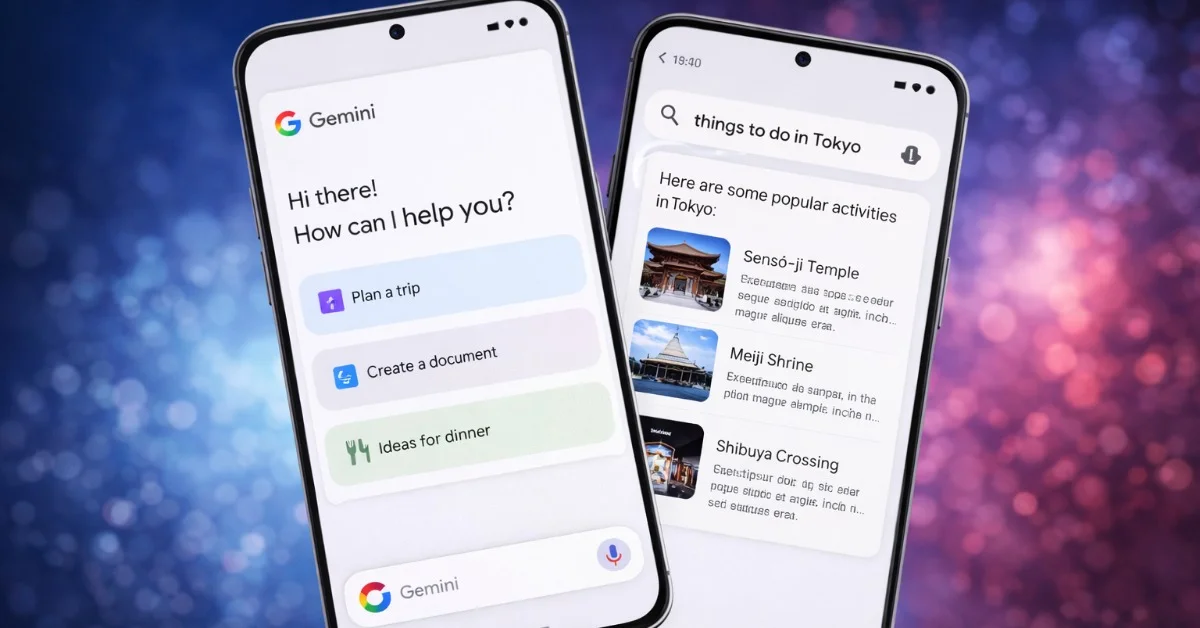
Google is changing how Gemini Live appears on Android, and the shift says a lot about where mobile AI assistants are heading. Instead of forcing users into a full-screen voice session, the newer Gemini Live design uses a floating pill or panel that can sit above the current app. The goal is straightforward: keep the voice conversation available without making it feel like the phone has been taken over.
9to5Google reported that the floating Gemini Live redesign began rolling out more widely to Google app beta users in February 2026. Android Authority later noted that related Gemini overlay changes were reaching some stable-channel users in April. The details vary by app version and rollout stage, but the direction is consistent: Gemini is becoming more compact, more movable and less tied to one dedicated screen.
Why the smaller interface matters
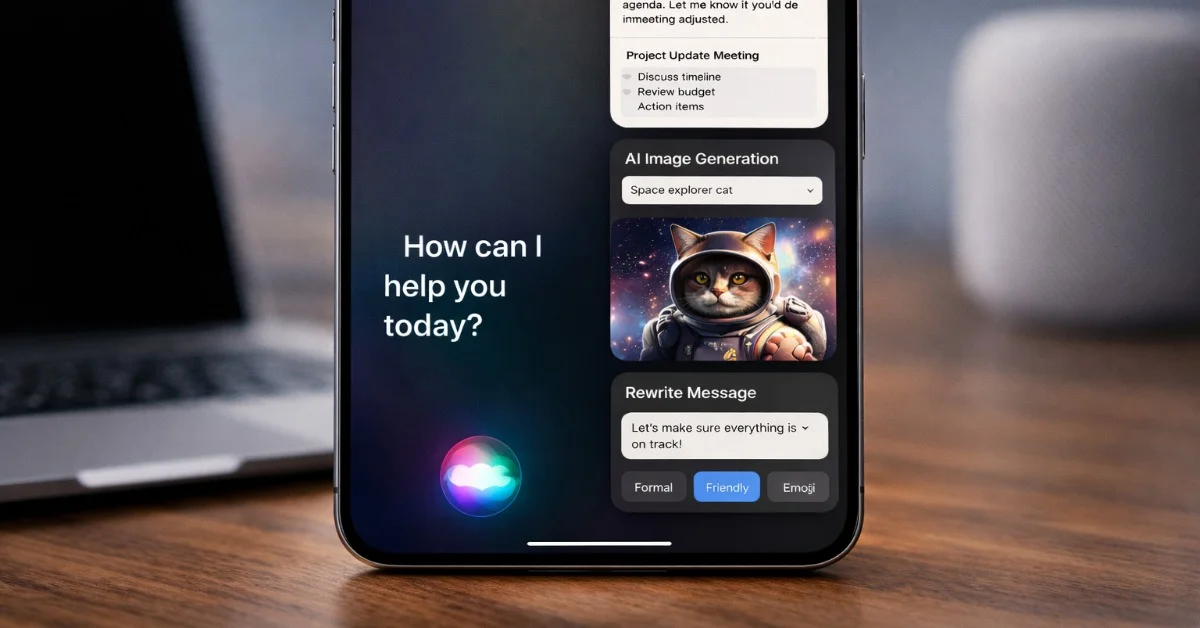
Gemini Live is designed for spoken back-and-forth conversations. In a full-screen layout, that works well when the assistant is the only thing the user wants to do. It works less well when someone is reading a webpage, checking a message, following a map or looking at an image. A floating panel leaves the current app visible and keeps key controls close by, including mute, end session and, in some builds, camera or screen sharing.
This is not just a cosmetic change. Voice assistants become more useful when they can help while the user continues doing something else. A smaller overlay makes Gemini feel closer to a system tool than a separate app. It also matches the broader Android pattern of lightweight assistant overlays that can answer, summarize or act without breaking the current task.
Still a rollout, not a finished endpoint
The redesign should be described carefully because Google is still testing and rolling out different interface versions. Some reports mention a floating pill, others describe a button-style interface or a darker compact overlay in beta builds. That does not mean the reports conflict; it means Google is iterating on the presentation before settling on the exact version most users will see.
The practical takeaway is that Gemini Live is becoming less disruptive. Google appears to be moving away from a voice mode that feels like a separate environment and toward one that follows the user across Android. If the company can keep controls clear and privacy prompts visible, the floating design could make Gemini Live easier to use in real situations: asking about a webpage, discussing a photo, or keeping a voice conversation going while switching apps.
The risk is clutter. A floating AI panel must stay helpful without becoming another thing to manage. Google will need to balance visibility, controls and screen space carefully. But the overall change is sensible. Mobile AI will not win by filling the screen every time; it will win when it can help without getting in the way.